
Wi-Fi on a liveaboard used to be a joke: a weak signal on deck, a message that took an hour to send and long stretches with no connection at all. In Komodo today, it is a real feature on many boats, and some even have satellite internet. But a boat moving between remote islands is not a city hotel, and how well you can stay connected depends on the boat, the network and where you are in the park. This guide explains which boats have Wi-Fi, what Starlink changes, how good the phone signal is around the islands, how to buy a SIM card, how to charge your devices and how to stay in touch in an emergency.
In short
- On this site, 21 boats list Wi-Fi among their facilities.
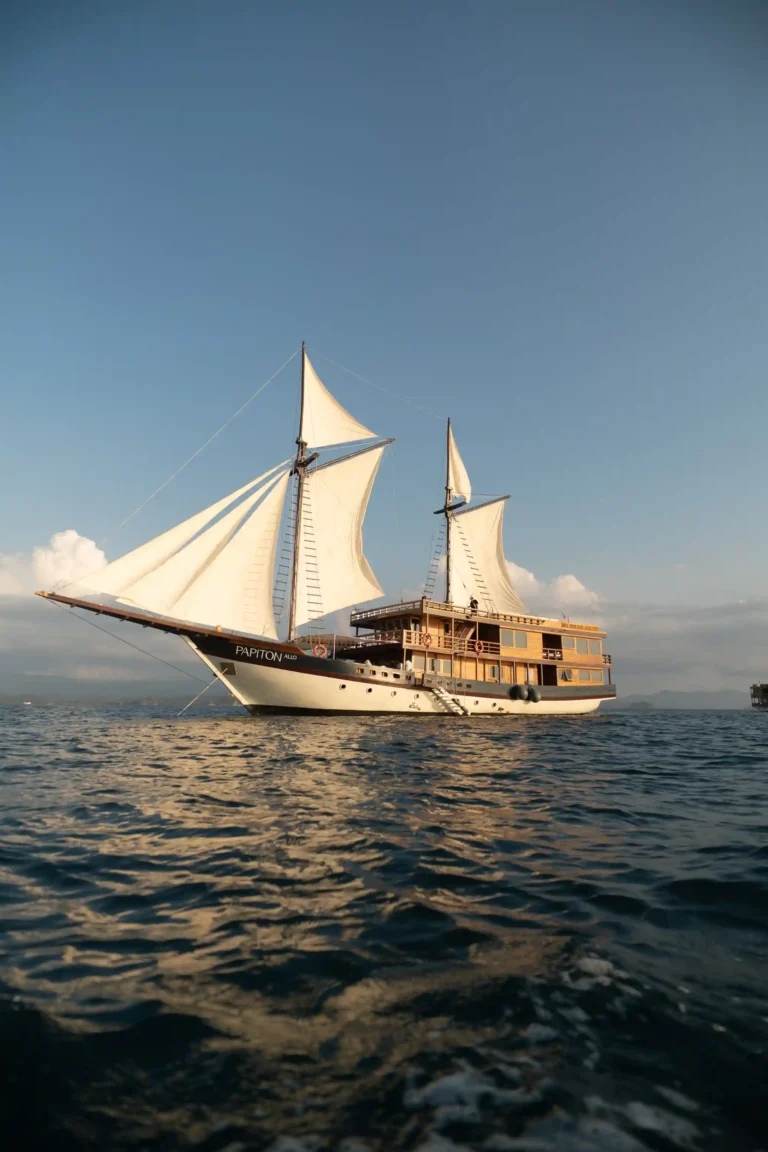
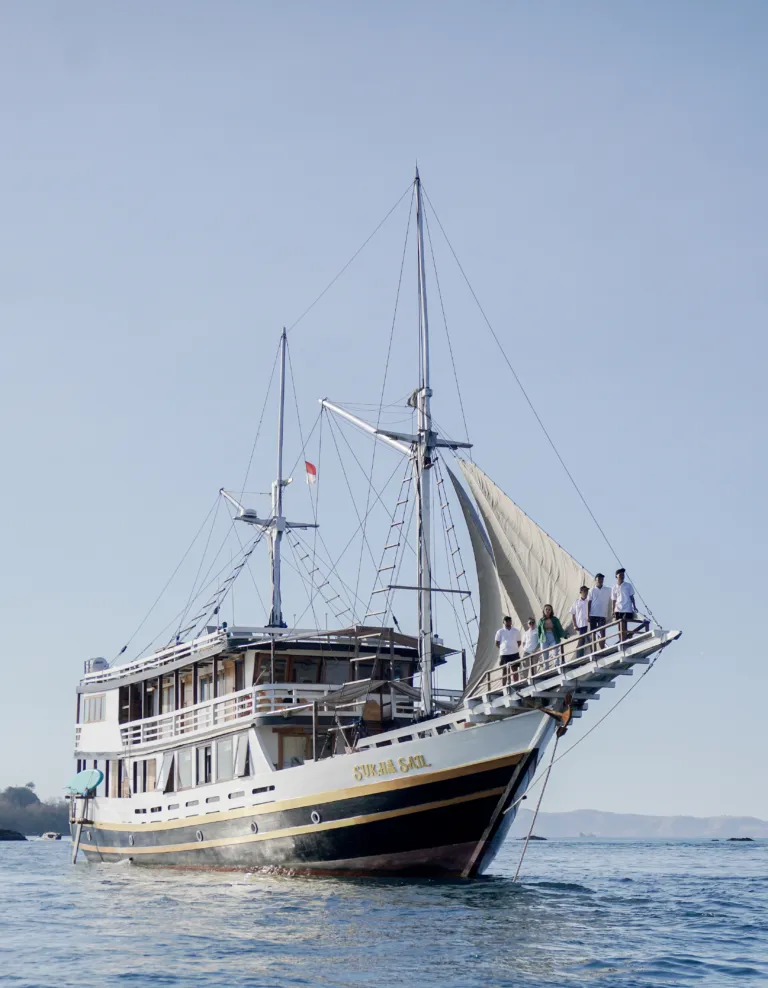
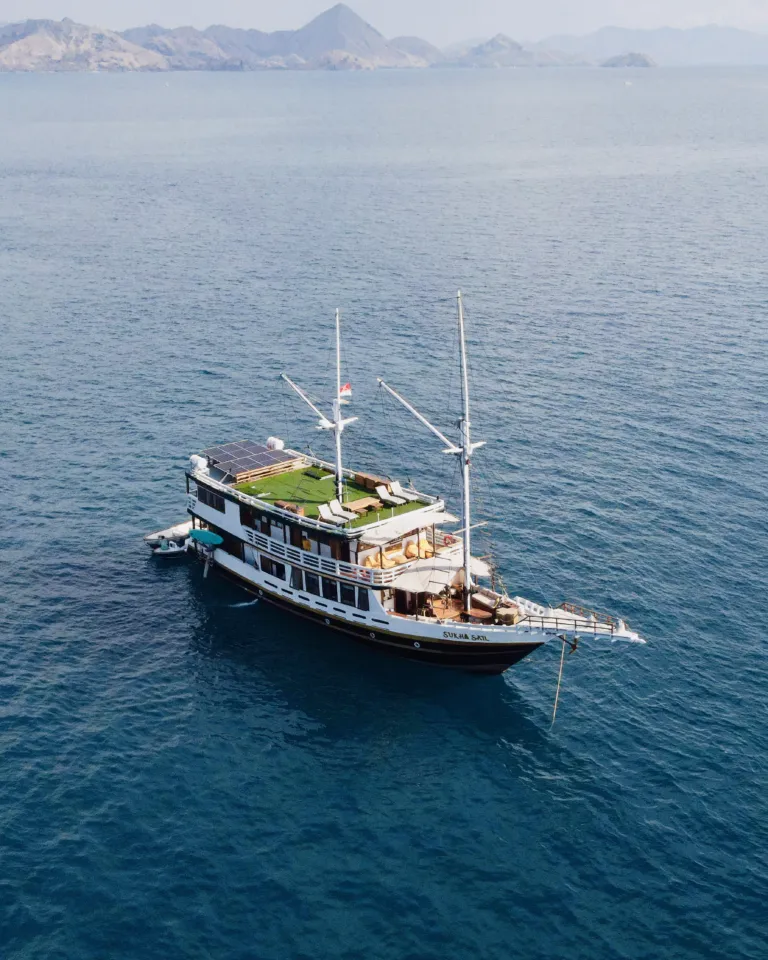
- Five boats have Starlink satellite Wi-Fi: Papiton Allo, Kai Voyage, Mosalaki, Sukha Sail 2 and Segara.
- On other boats, the Wi-Fi runs on the mobile network and can be slow in parts of the park.
- Buy a local SIM card or eSIM before the trip, and download what you need in advance.
Wi-Fi on a liveaboard: the short answer
Yes, most boats in Komodo have some kind of Wi-Fi, and you can usually send messages and photos from the boat on most days. What you should not expect is the fast, steady connection of a hotel in town. Calls may drop, uploads may wait until the next anchorage, and in a few remote bays there may be no connection at all for a while.
The big difference is between boats with satellite internet and boats whose Wi-Fi depends on the mobile network. With Starlink, the connection comes from satellites and works across most of the park; without it, the Wi-Fi is only as good as the nearest mobile mast. Both are fine for messages and holiday photos, but if staying online matters to you, choose your boat with that in mind.
Which boats have Wi-Fi?
On this site, 21 boats list Wi-Fi among their facilities, and several more mention it in their descriptions. Here is what some of the boats say about their connection on their own pages:
| Boat | Connection |
|---|---|
| Papiton Allo | Starlink Wi-Fi that works across most of the park |
| Kai Voyage | Starlink Wi-Fi |
| Mosalaki | Starlink Wi-Fi between the stops |
| Sukha Sail 2 | Starlink Wi-Fi |
| Segara | Starlink Wi-Fi |
| Gandiva, Carnaby 02 | Wi-Fi that depends on the mobile network and can be slow at times |
| Lady Grace, Sukha Sail 1 | Wi-Fi where the network allows along the route from Lombok |
Each boat page lists its facilities, and you can ask us about the connection on any boat before you book. Our guide on how to choose a Komodo liveaboard explains the other things to compare.
How Starlink changes things
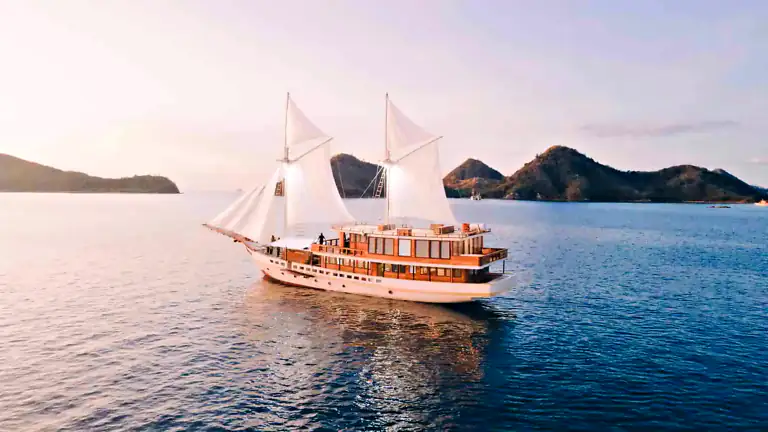
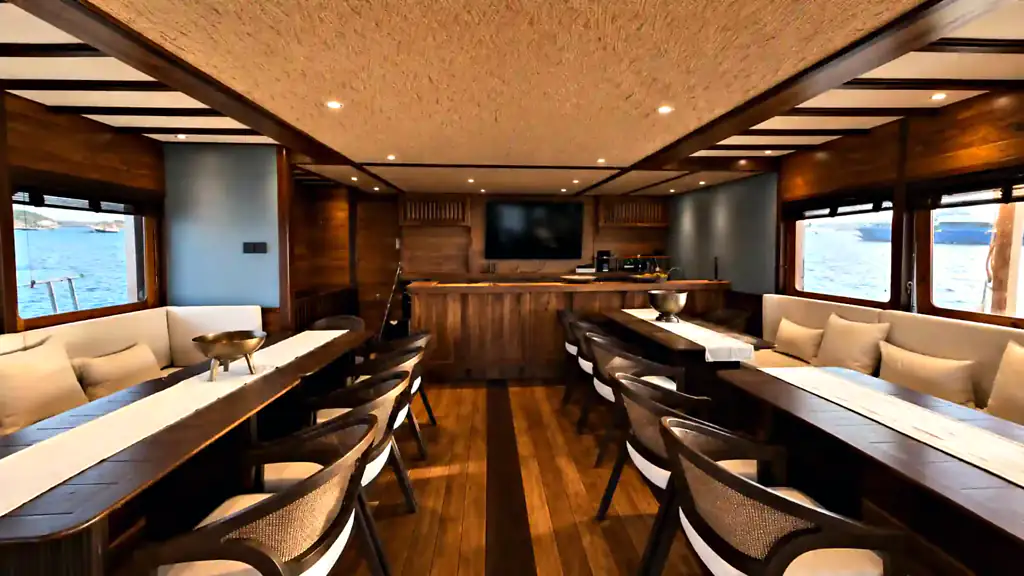
Starlink is a satellite internet service, so it does not need a mobile mast nearby. For a boat that moves between remote islands, that is a big change: instead of losing the connection as soon as the boat leaves the range of the network, the Wi-Fi keeps working across most of the park. Papiton Allo describes its Starlink Wi-Fi as working across most of the park, and Mosalaki says it keeps you connected between snorkelling, island hikes and sunsets.
Satellite internet is still shared by everyone on board, so speeds vary with the number of guests online, the weather and what everyone is doing. Messages, browsing and photo uploads usually work well; long video calls in the evening, when everyone is online at once, may be slower. Be considerate, and save very large uploads for later.
If you need to stay connected during the trip, for work or for family reasons, a boat with Starlink is the safest choice. Tell us when you book, and we can suggest boats with satellite Wi-Fi on your dates.
Even with satellite Wi-Fi on a liveaboard, a few things can interrupt the connection: heavy rain, the boat turning on its anchor, or the antenna being blocked by a mast or a hill for a while. Like any equipment on a boat, the system may also need a restart now and then. Short gaps are normal, so keep important messages short and send them when the connection is good.
Phone signal around the islands
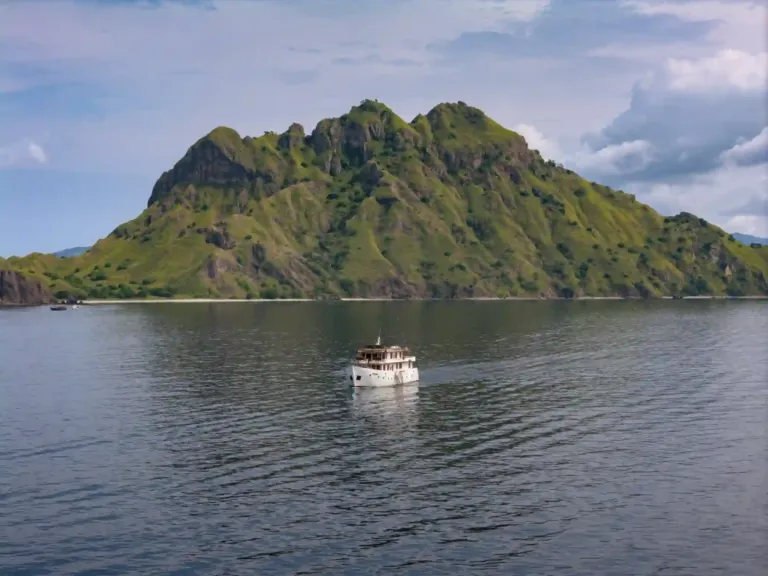
Mobile coverage in Komodo has improved a lot over the years. In 2020, the operator Telkomsel said its 4G network reached about 90 percent of the populated area of Labuan Bajo, including the tourist areas of Komodo, Rinca and Padar islands.
That does not mean a signal everywhere. Between the islands, behind high hills and in some remote bays, the signal can be weak or missing, and on the longer route along the coast of Sumbawa from Lombok the connection can come and go. As a rule, expect the best signal near Labuan Bajo and the busier sites, and the weakest in the quiet anchorages that make a boat trip special.
Boats without satellite internet use the same mobile network for their Wi-Fi, which is why their connection rises and falls with the signal. On those boats, send what matters when you see a good signal, rather than waiting for the evening.
Buying a SIM card or eSIM
A local SIM card or eSIM is the easiest way to have data in Labuan Bajo and on the boat when there is signal. You can buy one at the international airports in Bali and Jakarta or in shops in Labuan Bajo, and many travellers now buy an eSIM online before they leave home. Indonesian SIM cards must be registered, so bring your passport when you buy one in a shop.
Choose a provider with good coverage in eastern Indonesia, and buy enough data for the whole trip, because there are no shops among the islands. Check that your phone is unlocked before you travel, and keep your home SIM safe in your wallet, so you can switch back when you fly home.
A local SIM card and the boat’s Wi-Fi work well together. When the Wi-Fi is busy or switched off, your own data may still work near the islands with signal, and when there is no mobile signal, a boat with Starlink keeps you online. Having both gives you the best chance of staying in touch on every day of the trip.
Charging your devices
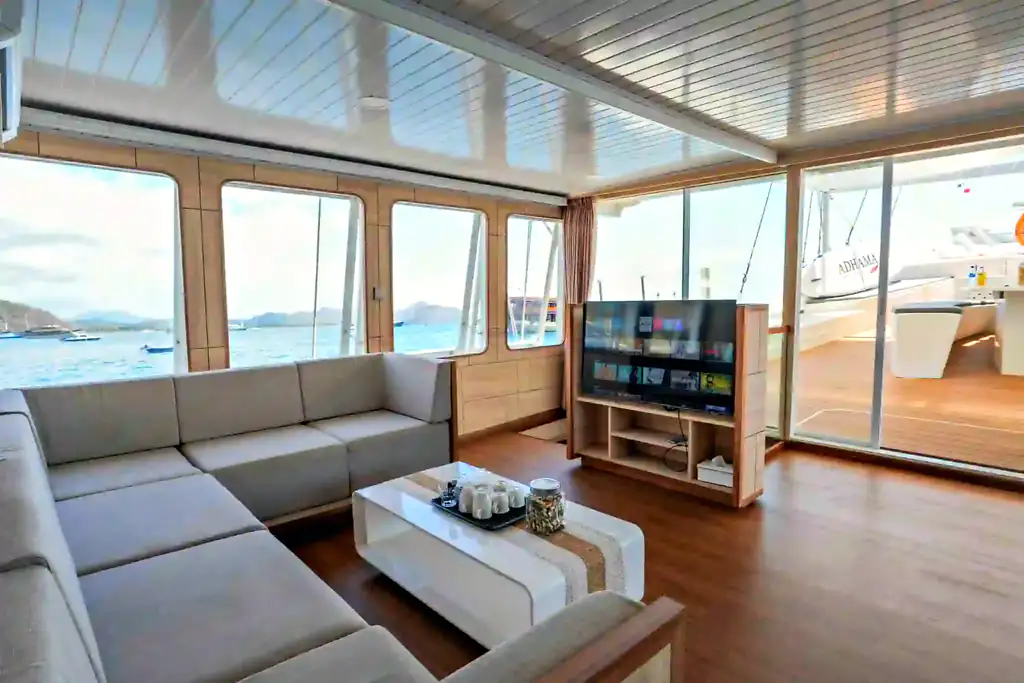
Phones, cameras and drones all need power, and on a boat the sockets are shared. On this site, 13 boats list a charging station among their facilities, and many others have charging points for phones and cameras. Ask the crew on the first day where to charge and whether there are times when the power is limited.
Indonesia uses round two-pin plugs, types C and F, at 230 volts, so bring an adapter if your plugs are different, and a small multi-socket helps if you carry several devices. A power bank lets you charge on the walks and the tender rides. Keep everything away from water and salt spray, and never leave devices charging unattended on a wet deck.
Charge your phone and camera batteries every evening at anchor, so you start each day full. The second day, with Padar at sunrise, the dragons and the snorkel stops, is the longest of the trip and the most demanding for your batteries. If you also use your phone as a camera, a spare power bank is the simplest way to avoid missing the best moment of the day.
Working from a boat
It is possible to send emails and check in with work from many boats, but a liveaboard is not the place for a full working day. The schedule is busy, with stops from sunrise to sunset, and the connection, even with Starlink, is shared by everyone on board.
If you must work, choose a boat with satellite Wi-Fi, plan your calls for the hours at anchor, and tell your colleagues that you may be offline for a few hours at a time. Bring a laptop only if you really need it, keep it in a padded, waterproof bag, and set up an automatic reply that explains you are travelling in a remote area. Better still, arrange your work so that you can stay offline for the two or three days on the water, and catch up in Labuan Bajo afterwards.
Wi-Fi on a liveaboard with children
Children often ask about Wi-Fi before they ask about dragons. On a boat, it helps to set expectations before the trip: there may be Wi-Fi at times, but not all day, and the days are too full for much screen time anyway. Download films, games, books and music at home or in your hotel, so the evenings at anchor do not depend on the connection.
Most children forget about their screens once the snorkelling starts. Swimming, paddle boards, the beaches and the evening on deck keep them busy, and a family trip on a boat is a rare chance to spend a few days together without the usual distractions. Our family guide to Komodo with kids has more tips for a trip with children.
Sharing and backing up your photos
A Komodo trip produces hundreds of photos and videos, and sending them all from the boat would use up the shared connection for everyone. Pick a few favourites to share each evening, and save the full upload for your hotel in Labuan Bajo or Bali, where the connection is faster. Turn off automatic cloud backups on the boat, so your phone does not try to send every video in the background.
To keep your pictures safe until then, bring a spare memory card or a small external drive, and copy the day’s photos in the evening. On most sharing trips on this site, photo and drone documentation by the crew is included, so ask how the crew shares those pictures after the trip.
Staying in touch in an emergency
The crew does not depend on your phone signal to call for help. The boats on this site describe radios and other safety equipment on their pages: Le Costa, for example, has VHF and SSB radios and a satellite phone to stay in contact where there is no mobile signal, and some boats carry an EPIRB, an emergency beacon that sends the position of the boat to rescuers.
Give the guide your emergency contact and your insurance details on the first day, so the crew can make calls for you if needed. Tell your family that you may be offline for a while, and agree on when you will next be in touch. Our guide to what happens if you get sick on a liveaboard explains what the crew does in an emergency.
Tips to stay connected
- Download before you board: maps, music, films, books and your boarding passes.
- Send big files when the signal is good, often near Labuan Bajo.
- Turn off automatic backups and updates, so they do not use the shared connection.
- Use messages rather than calls; they go through even on a weak signal.
- Carry a power bank and a waterproof pouch for the beach stops.
- Tell people at home that you may be offline for a few hours at a time.
Our Komodo packing list includes the adapters, pouches and power banks to bring, and our Komodo photography guide has tips for protecting your camera from salt and sand.
The case for a digital detox
For many guests, the patchy signal turns out to be a gift. Without a constant stream of messages, you notice more: the colour of the water, the flying foxes over Kalong, the sound of the anchor chain at dusk. A few days offline in one of the most beautiful places in Asia can be the most restful part of a holiday.
A digital detox is also good for the group. Conversations at dinner, games on deck and long looks at the stars bring guests together in a way that screens rarely do. Many guests say afterwards that the moments they remember most are the ones when nobody was looking at a phone.
Try it for a day: put your phone in your cabin during the stops, take photos with a camera instead, and check messages once in the evening. You may find that the trip feels longer, in the best possible way. Our guide to sleeping on deck describes another way to enjoy the quiet nights at anchor.
Our view
Wi-Fi on a liveaboard in Komodo is better than ever, and on the boats with Starlink it works across most of the park. Still, the best plan is to expect a holiday connection rather than an office one: messages and photos on most days, a few quiet hours here and there, and the freedom to look up from the screen. Komodo National Park has been a UNESCO World Heritage Site since 1991, and it is worth your full attention.
Download before you sail, send when you can, and let the islands have the rest of your attention.
Need to stay online? Compare the boats on our Komodo liveaboard page, look for Starlink Wi-Fi in the facilities, and ask us about the connection on any boat before you book.
Questions
Is there Wi-Fi on Komodo liveaboards?
On many boats, yes. On this site, 21 boats list Wi-Fi, and five have Starlink satellite Wi-Fi.
Which boats have Starlink?
Papiton Allo, Kai Voyage, Mosalaki, Sukha Sail 2 and Segara list Starlink Wi-Fi on their pages.
Is there phone signal in Komodo National Park?
In many places, including around Komodo, Rinca and Padar, but it can be weak or missing in remote bays and between the islands.
Can I make video calls from the boat?
Sometimes, especially on boats with Starlink, but expect slower speeds when many guests are online. Messages are more reliable.
Where can I buy a SIM card?
At the airports in Bali and Jakarta, in shops in Labuan Bajo, or as an eSIM online. Bring your passport to register a SIM card.
Can I charge my phone on the boat?
Yes. Many boats have charging points, and 13 list a charging station. Bring an adapter for Indonesia’s round two-pin sockets.
What if there is an emergency and no signal?
The crew uses the boat’s radios and other safety equipment, which do not depend on your phone. Give the guide your emergency contacts on day one.
Is Wi-Fi included in the price?
On many boats, yes; several say on their pages that Wi-Fi is included on every trip. Check the facilities on the boat page, or ask us.
Will my phone work in Labuan Bajo?
Usually, yes, with a local SIM card, an eSIM or international roaming. The signal in town is generally better than out among the islands.
Can I stream films on the boat?
Do not count on it. Download films and music before the trip, because streaming uses a lot of the shared connection.

 Elbark Cruise
 Papiton Allo
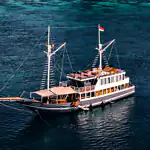 Semesta Voyages
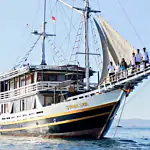 Sukha Sail 1